Tesla 2026.26 Summer Update: New Features and UK Rollout
Last Updated: July 29, 2026
In a rush? Tesla software update 2026.26 is the 2026 Summer Update. I would start with preferred routes, smarter automatic navigation, better Grok controls, custom wrap uploads, improved Supercharger search and the option to set arrival energy from your phone. Rollout is gradual, so your car may not receive it straight away.
Tesla has packed a lot into software update 2026.26, although only a few features will change how I use my car. I am far more interested in preferred routes, better automatic navigation and setting arrival energy from my phone than Caraoke scoring.
Tesla started the public rollout in late July 2026. As usual, different cars, regions and software branches will receive it at different times. Seeing another owner get 2026.26 does not mean anything is wrong with your car if you are still waiting.
Tesla 2026.26 Summer Update at a glance
- Preferred Routes learns which roads you normally choose.
- Automatic Navigation can suggest regular destinations beyond Home and Work.
- Grok gains phone, music, climate and vehicle-control commands on supported cars.
- You can upload custom vehicle wraps from Tesla app version 4.59.0 or later.
- You can set your preferred arrival energy from the Tesla app.
- Open Camera Preview even when the car is not in Park.
- The browser can use the cabin camera and microphone on supported AMD cars.
- Caraoke adds scoring, streaks and saved high scores while parked.
- Search for Superchargers by site name rather than only by location.
- Newer Model 3 and Model Y cars get welcome animations.
Preferred Routes could be the feature you notice most
Tesla navigation has sometimes insisted on a technically quicker road that I would avoid in real life. Preferred Routes lets the car take your own driving history into account. If you regularly use one route to work, school or home, navigation can favour it instead of treating every journey like your first visit.
Traffic still matters, so the car can ignore your normal route when it is badly delayed. I would rather it remember the roads I choose than keep sending me down a technically quicker route I dislike.
Automatic Navigation now learns more of your routine
Automatic Navigation already understands Home, Work and calendar appointments. Update 2026.26 expands that idea to other places you visit regularly. A school run, gym visit or weekly shop could appear without you entering the destination each time.
You can turn Automatic Navigation on under Controls > Navigation > Automatic Navigation. Whether you like it will depend on how predictable your week is. I would give it a chance rather than assuming it will understand every trip from day one.
Grok can control more of the car
Grok moves closer to replacing the older fixed voice-command system. On supported cars, you can use it to make phone calls, find and play music, adjust the climate and search for controls. It can also explain features in the car and answer questions about the latest update.
The expanded controls are more useful than asking a general-purpose chatbot questions from the driver's seat. Natural phrasing should make simple jobs quicker, when Tesla has buried the setting in a touchscreen menu.
Hardware and connectivity matter here. Grok features require an AMD-powered infotainment system for some functions, plus Premium Connectivity or Wi-Fi. Availability can also differ by region and vehicle configuration.
Send custom wraps from your phone
Custom wraps change the digital version of your car on the touchscreen and in the Tesla app. Before 2026.26, adding one usually meant putting the image on a USB drive. You can now choose a compatible wrap image on your phone and send it through Tesla app version 4.59.0 or newer.
You will find the option under Creations > Wrap > Upload in the app. The car-side version appears in Toybox > Paint Shop. It only changes the car shown on screen, but sending the image from your phone is much easier than using a USB drive.
Set Arrival Energy from the Tesla app
Setting Arrival Energy from my phone is the road-trip change I would use first. Open the location section in Tesla app version 4.58.0 or later, choose your destination and set the battery percentage you want left when you arrive.
I would use this when the destination has uncertain charging, when I need to drive again the next morning or when I want more reserve than Tesla's normal route plan leaves. The car can then plan charging stops around the target instead of aiming only to complete the current journey.
Supercharger search is less awkward
You can now search for a Supercharger by its site name. That sounds minor until you are trying to find a specific stop someone has recommended. Searching for the name is quicker than working backwards from a town or address, and the result still shows live stall information.
Camera Preview and browser video calls
You can now open Camera Preview while the car is not in Park. Go to Controls > Service > Camera Preview, choose an individual camera or return to the grid view. Treat it as another view of the cameras rather than a replacement for checking mirrors and looking around the car.
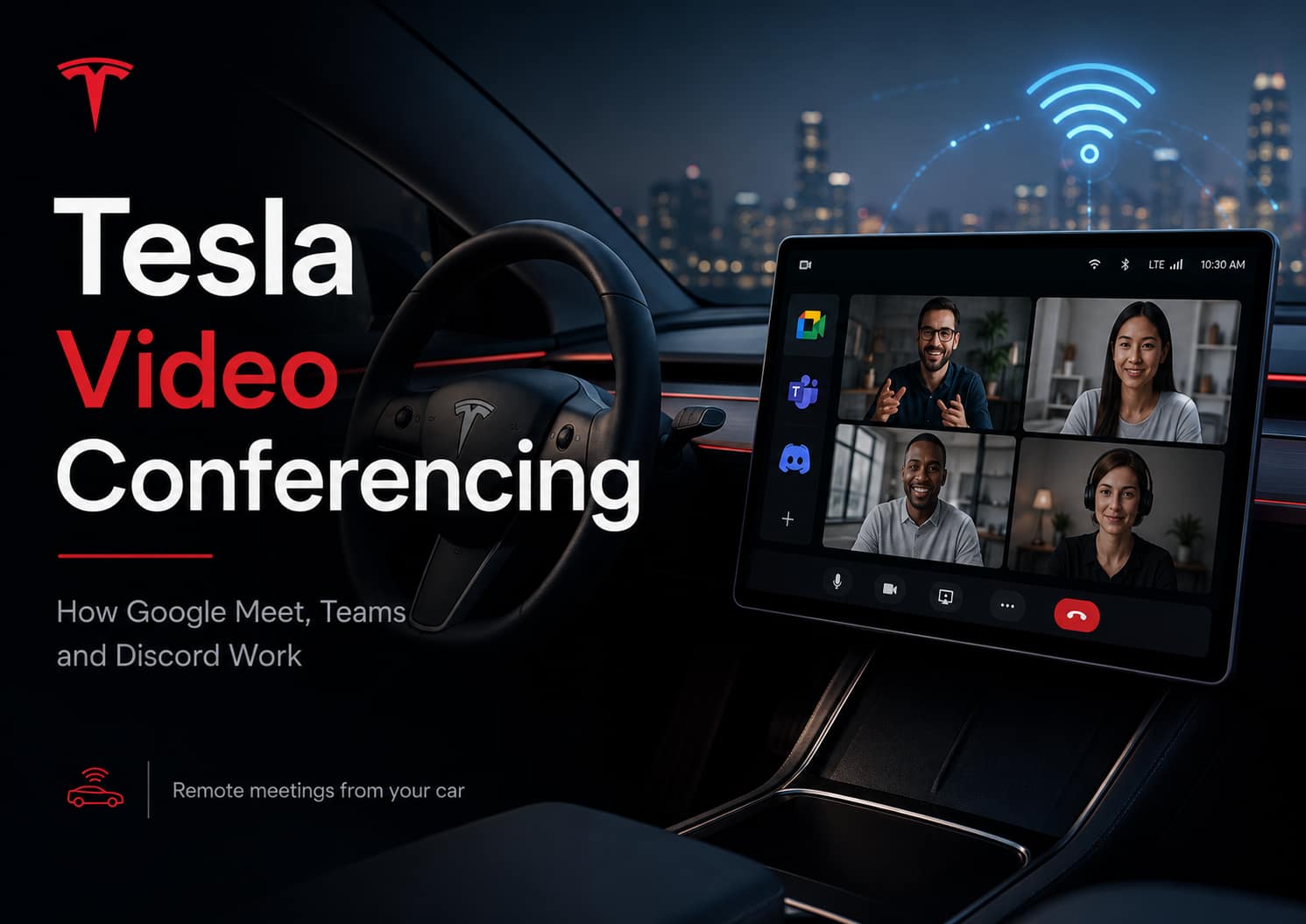
On AMD-powered cars, the web browser can request access to the cabin camera and microphone while parked. That opens the door to browser versions of Google Meet, Microsoft Teams and Discord. A website must ask for permission before it can use either device.
If you want to use the cabin camera for calls, read my Tesla video conferencing guide for Google Meet, Teams, Discord and the AMD requirement.
Caraoke, rear-screen controls and welcome animations
Caraoke now scores timing and pitch while the car is parked. It records a final score, streak and percentage, then saves high scores to the driver profile. Rear-seat passengers can also add songs to the queue by scanning a QR code.
Cars with a rear display get a better lock option. You can block rear passengers from touching the screen while content continues to play. That is more useful than turning the display off when a child keeps changing the video or climate settings.
The 2024-on Model 3 and redesigned Model Y also receive welcome animations. They look good, but I would put them near the bottom of the reasons to want this update.
Which Tesla models get the Summer Update?
The main 2026.26 branch covers Model S, Model 3, Model X, Model Y and Cybertruck, but that does not mean every feature works on every car. AMD requirements, newer displays, model-specific controls and regional restrictions still apply.
- AMD-specific examples: broader Grok functions, browser camera and microphone access, and Caraoke scoring.
- Newer-model examples: welcome animations focus on the 2024-on Model 3 and redesigned Model Y.
- App-dependent examples: custom wrap uploads require Tesla app 4.59.0 or later, while Arrival Energy requires app 4.58.0 or later.
Your car's own release notes are the safest guide because Tesla filters them for its hardware, region and configuration.
How to get Tesla update 2026.26
Open Controls > Software in the car to check its current version and whether an update is available. Keep the car connected to reliable Wi-Fi so it can download the package.
You can select Advanced under Software Update Preference if you want Tesla to offer updates as soon as they become available for your configuration. It does not force an update or move your car to the front of the rollout.
Once downloaded, you can install immediately or schedule a time. The car must remain parked and cannot charge during the installation, so I would not start it just before leaving home.
Want to see what changes after the update?
Tessie keeps the trip, charging, sleep and battery history that the Tesla app does not. That makes it easier to compare energy use or phantom drain before and after a software update instead of relying on memory. I use it on my own Model 3 Long Range for exactly that kind of long-term view.
Is Tesla 2026.26 worth installing?
Yes. Preferred Routes, Arrival Energy from the phone and Supercharger name search improve normal driving. Grok commands and custom wrap uploads will appeal to a smaller group, but they show how closely the car and mobile app now work together.
I wait until I know an update is behaving as expected when I need the car early the next morning. Once 2026.26 appears on my Model 3, I would be comfortable installing it at home with the car on Wi-Fi and no immediate journey planned.
Common questions about Tesla's 2026 Summer Update
Why has my Tesla not received update 2026.26?
Tesla releases updates in waves based on vehicle configuration, region and software branch. Keep the car connected to Wi-Fi and wait for the notification. Tesla does not send an update to an individual car on request.
Can I drive while the update installs?
No. You can use the car during the download, but it must remain parked during installation. Charging also pauses until installation finishes.
Does selecting Advanced force the update?
No. Advanced tells Tesla you want updates sooner when one is available for your configuration. It does not bypass the staged rollout.
Will every 2026.26 feature work on an Intel Tesla?
No. The main update supports a broad range of cars, but features such as browser camera and microphone access require AMD hardware. Check the release notes shown inside your own car.
Is Grok available in the UK?
The Summer Update expands Grok availability across Europe, but the exact controls still depend on hardware, connectivity, language and Tesla's regional rollout.
Do I need the latest Tesla app?
Some features do. Custom wrap uploads require Tesla app 4.59.0 or later. Setting Arrival Energy from the phone requires version 4.58.0 or later.
Useful next reads
- Tesla Software Update Tracker for every captured 2026 vehicle release.
- Tesla App Update Tracker for mobile app versions and compatibility notes.
- Tessie discount and trial guide if you want deeper Tesla history and analytics.

I’m Steven, founder of MoneyAppReviews. I test money apps, referral programs, and EV tools in real life before I write about them. I drive a 2021 Tesla Model 3 Long Range, use Octopus Intelligent Go for home charging, and regularly track costs, savings, and app performance over time. I focus on practical, evidence-based reviews that help people decide what is actually worth using, not just what pays the highest commission.