Tesla Dashcam Clip Encryption in Update 2026.20: What It Means and How to Turn It Off
<s
Tesla Dashcam Encryption: What Update 2026.20 Means
Tesla update 2026.20 added encryption to dashcam clips stored on the USB drive. This means footage can only be viewed in the car, not on a computer. It improves privacy if your car is serviced or valeted, but means you need to use the in-car viewer to access footage.
trong>Last updated: June 1, 2026
Tesla has added dashcam clip encryption in software update 2026.20. If you save footage to a USB drive, your car can now encrypt those clips by default so other devices cannot open them without decryption first.
That is a strong privacy upgrade, but it also changes how you pull footage when you need it after a bump, a break-in, or a parking incident. Here is what changed, how to decrypt clips, and when you may want to switch the feature off.
What Tesla changed in update 2026.20
According to the 2026.20 release details, Tesla now encrypts dashcam clips saved to your USB flash drive. Tesla says only your vehicle can view them until you decrypt them.
To decrypt clips, Tesla says you can:
- tap the padlock icon in the Dashcam app, or
- visit
dashcam.tesla.com.
If you do not want this switched on, Tesla says you can disable it under Controls > Safety > Encrypt Dashcam Recordings.
Why dashcam encryption matters
If someone steals your USB drive, encrypted clips are harder for them to open. That matters if your footage shows your home, your routines, your children, or your parked location history.
It also helps if you leave a drive in the car long term. A lot of Tesla owners use dashcam and Sentry footage as passive protection. Encryption adds another layer if the drive ends up in the wrong hands.
The trade-off for Tesla owners
The privacy gain is real, but Tesla owners should expect a little more friction when they need footage fast. If you are used to pulling the USB stick and opening clips on another machine straight away, this update changes that workflow.
That means you should test the feature before you actually need it. Make sure you know how Tesla handles decryption on your car, and check whether your usual export process still fits the way you deal with insurance claims or incident evidence.
Should you leave it on or turn it off?
Leave it on if privacy matters more to you than instant plug-and-play access to raw footage. That will suit a lot of owners who keep a drive in the car all the time.
Turn it off if you regularly move clips between devices, hand footage to other people, or want the simplest possible workflow after an incident.
Most owners should start by leaving it on, then test the process once at home so there are no surprises later.
What else came with Tesla update 2026.20?
Dashcam encryption was not the only change in this release. Tesla also added:
- new parental controls that can block Browser, Theater, and Arcade
- official Hey Grok voice support
- security improvements
If you want the full version-by-version breakdown, use my Tesla Software Update Tracker.
Useful Tesla guides next
- Tesla Software Update Tracker: follow the wider 2026.20 branch and later releases
- Tesla App Update Tracker: check which app-side changes land around the same time
- Tesla app tips and EV tools: everyday shortcuts worth setting up
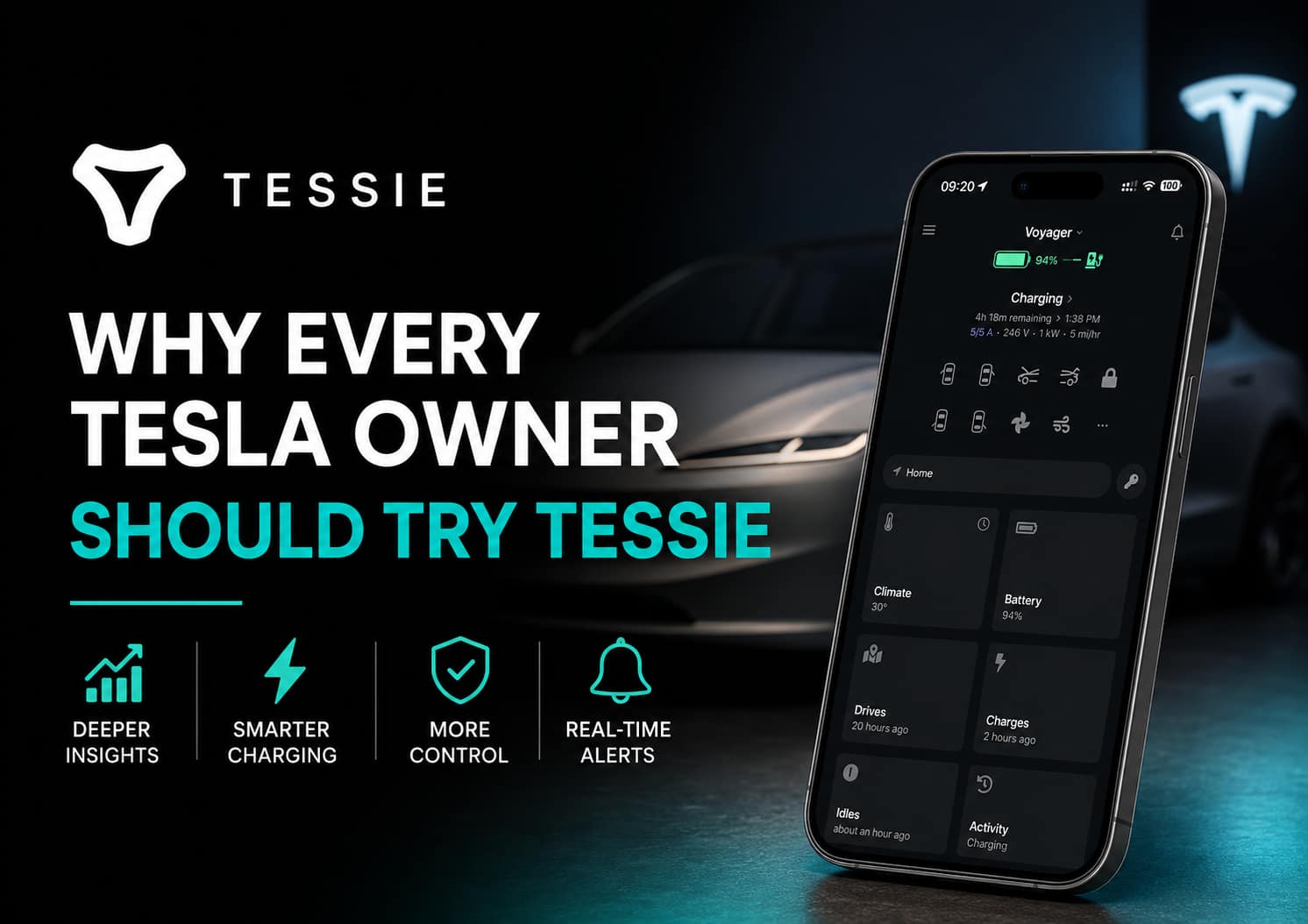
- Tessie review: deeper history and battery insights beyond the stock Tesla app
Source
Primary source: Not a Tesla App on Tesla enabling dashcam clip encryption in update 2026.20. I also cross-linked this post with my Tesla software tracker so the wider update context stays current.
Common Questions
Can I turn off dashcam encryption?
Yes. The setting can be toggled in the car under Safety & Security settings. Turning it off allows viewing footage on a computer again.
Why did Tesla add encryption?
Privacy. Unencrypted dashcam footage could be viewed by anyone with access to the USB drive. Encryption means only the car can decrypt and play the footage.
I leave dashcam encryption on. It is a sensible privacy feature. If I need footage for insurance or an incident, I can view it in the car and record it on my phone if needed.

I’m Steven, founder of MoneyAppReviews. I test money apps, referral programs, and EV tools in real life before I write about them. I drive a 2021 Tesla Model 3 Long Range, use Octopus Intelligent Go for home charging, and regularly track costs, savings, and app performance over time. I focus on practical, evidence-based reviews that help people decide what is actually worth using, not just what pays the highest commission.